- Home
- Top Stories
- How to use Google Maps to plan your journey and save time
How to use Google Maps to plan your journey and save time
 By
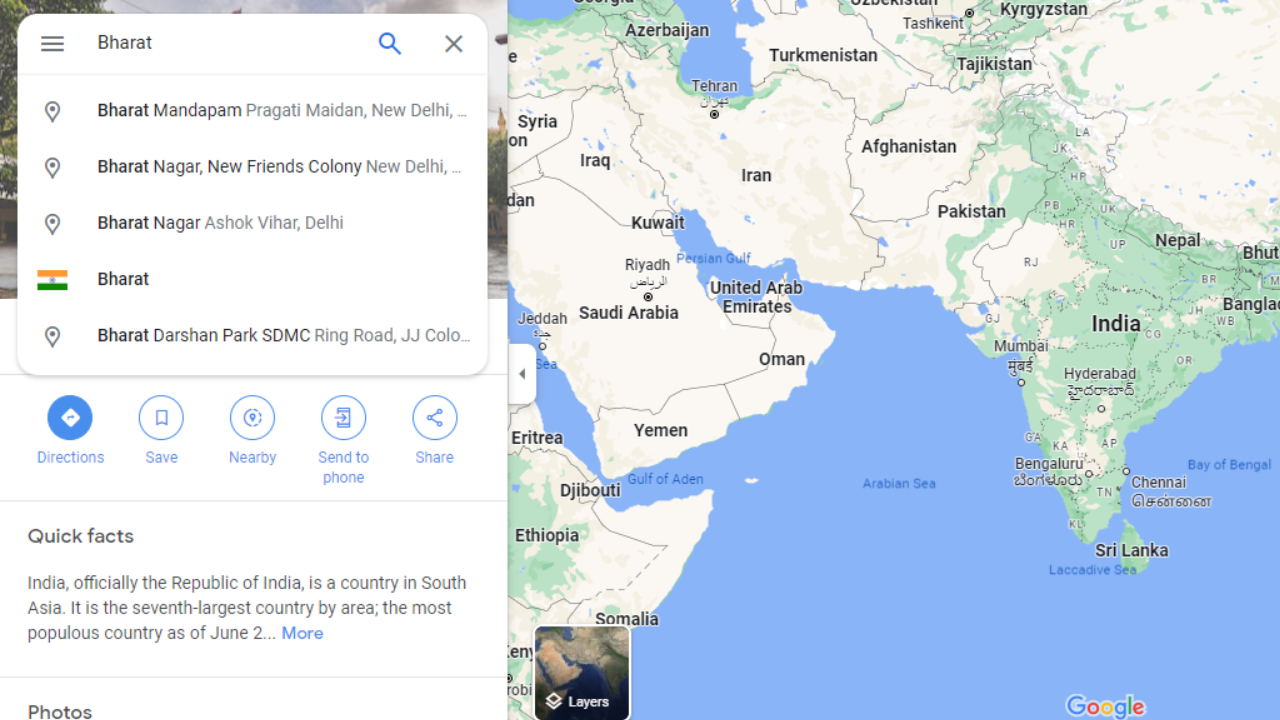
By Google Maps offers a feature called “Departure Time” that uses real-time traffic data to provide precise estimations of travel duration and the ideal time to leave. To use this feature, open the Google Maps app, set your destination, choose your transportation mode, and tap on the “Directions” button. Then, enter your desired departure time and Google Maps will display predicted traffic conditions and suggested routes. Once you confirm your departure time, you can follow the suggested route and receive real-time traffic updates during your journey. This feature is particularly helpful for daily commutes, business meetings, and road trips.